
Where are you coming from?
Customers, pools, addresses and notes come over through the import — CSV, Excel, or a photo or PDF of a printed list.
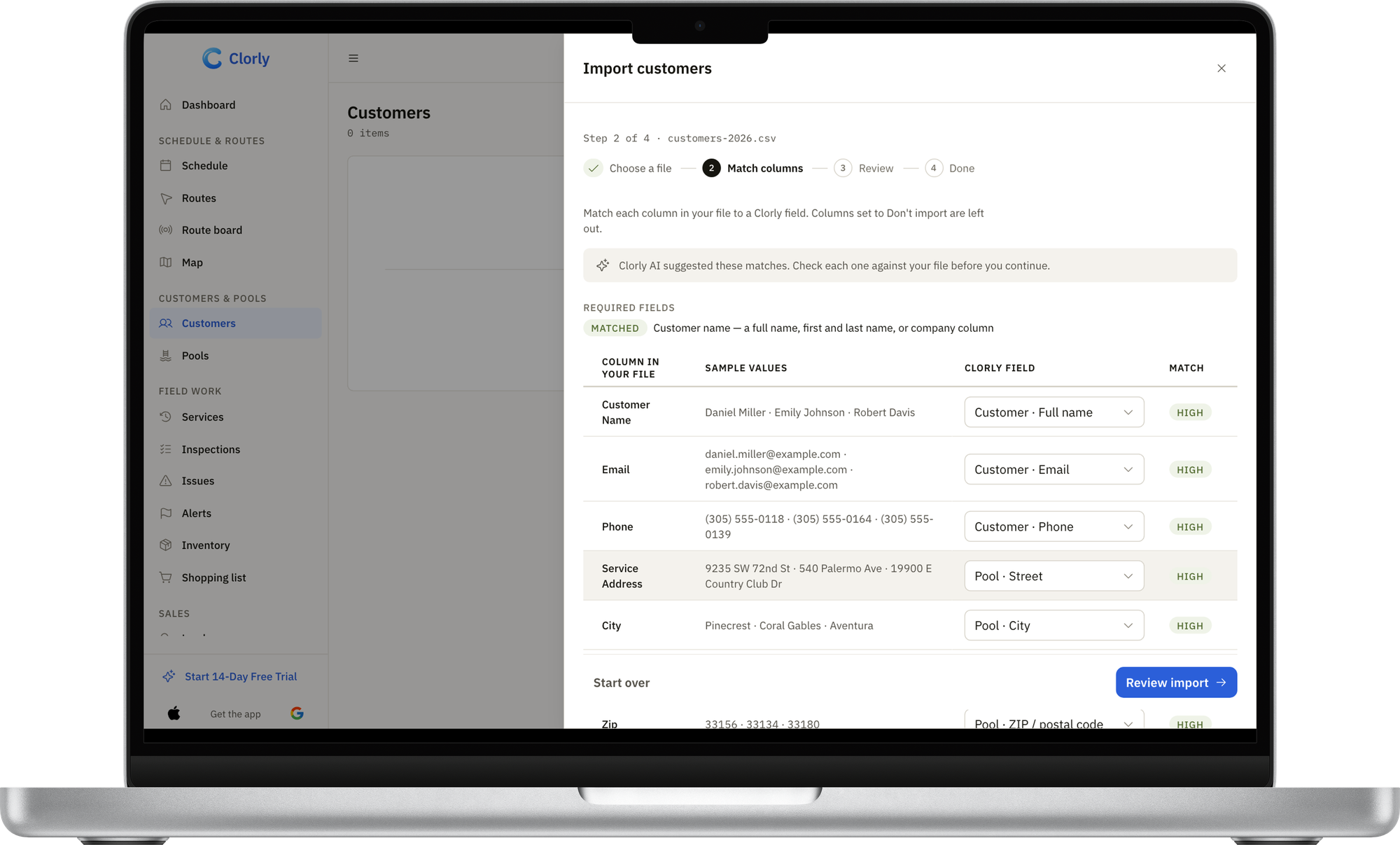
AI maps your columns and flags duplicates before anything saves.
Schedules are rebuilt with recurring jobs in the calendar.
Export your customer and pool list from your current app and import it here.
Check the preview — nothing saves until you do.
Schedules are rebuilt with recurring jobs in the calendar; past visit history stays in your old system or export.
Customers and addresses come over through the import.
Add pool details and chemical targets once — they follow every visit.
Schedules are rebuilt with recurring jobs in the calendar.
Import, step by step.
Upload your list
CSV or Excel — or a photo or PDF of a printed list.
AI maps the columns
Names, addresses, pools and notes land in the right fields; duplicates are flagged.
Preview, then import
Nothing saves until you’ve checked it.
Undo within 24 hours
If anything’s off, roll the whole import back.
Reading photos and PDFs needs a connection.
Guided setup
From a new account to the first customer and first visit, with the route on a map and a sample report. Demo data only when you ask.
Bring your team
Invite every tech free, set permissions, give dispatchers the office role.


Run both side by side
Start free with a few pools and keep your old system until you're confident.